A note worth sharing
deserves a beautiful link.
Write it once — rich text, code, JSON, or CSV. nota.my formats it, protects it, and hands you a clean short link ready to send anywhere.
Everything a shared note needs
Not another notes app to organise — a fast way to get a thought formatted, protected, and into someone else's hands.
One editor, four formats
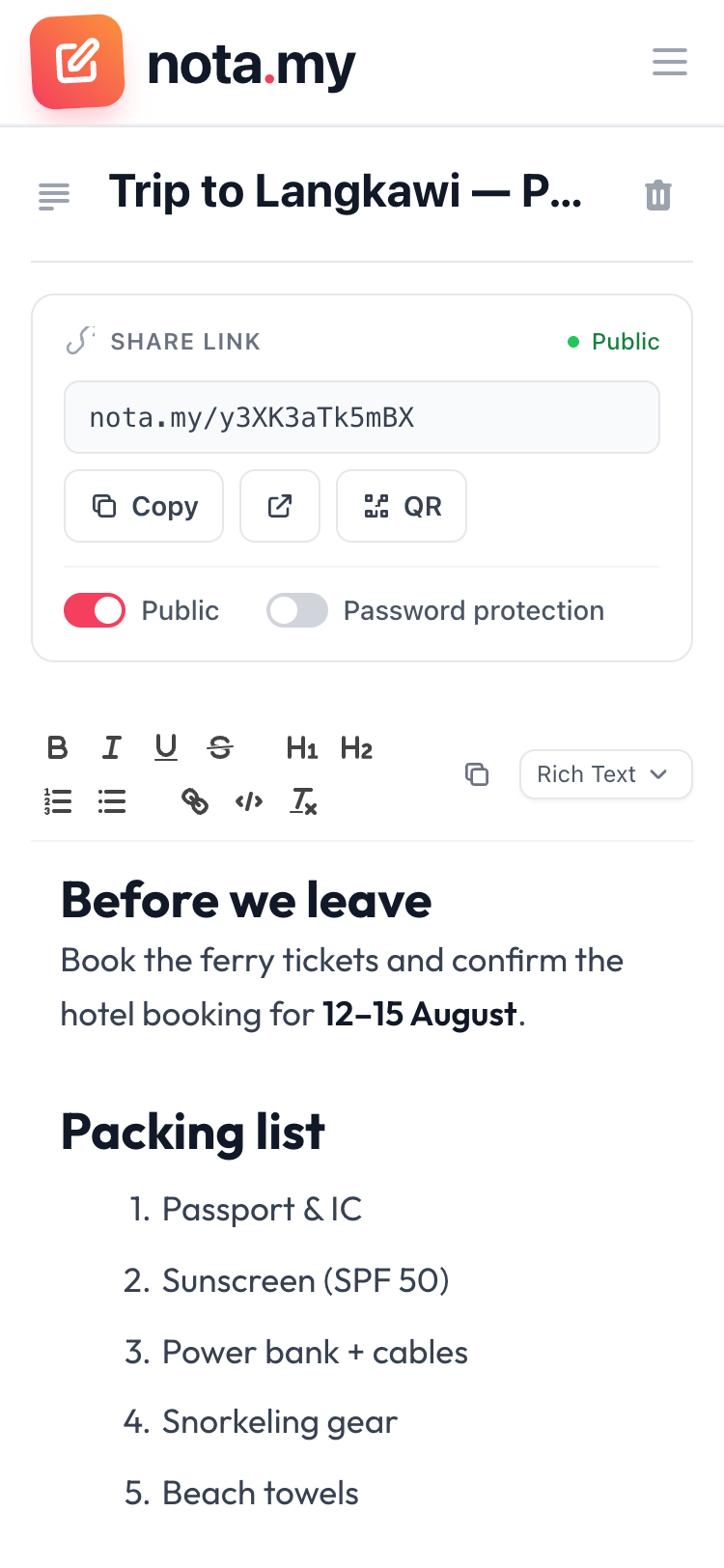
Rich text with headings and lists, code with syntax highlighting, JSON beautified in one click, CSV rendered as a clean table. Everything autosaves as you type.
A link that's ready before you ask
Every note gets a short link the moment it's created. Readers don't need an account — and you can make it private again anytime, same link when you come back.
Really encrypted
Password-protected notes use AES-256 encryption. We never store the password — only you can unlock it.
Links that expire
Sharing a wifi password? Set the link to expire in an hour. The note stays yours — only the link goes dark.
Scan instead of type
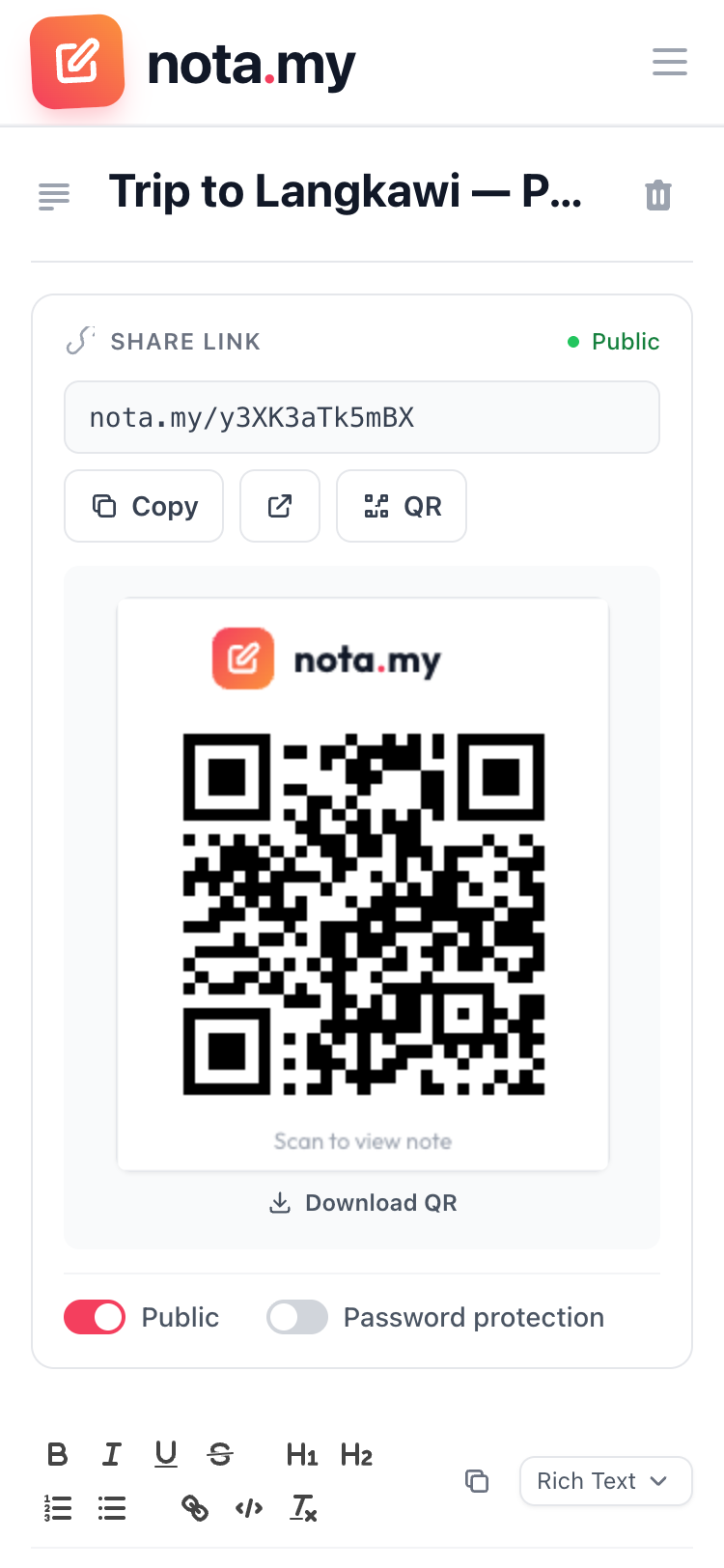
Every link comes with a branded QR code you can download — print it, project it, or just hold up your phone.
Know it was seen
A quiet view counter tells you when your note has actually been opened — no read receipts drama.
Looks good in the group chat
Shared notes unfurl into a proper preview card on WhatsApp, Telegram, and social media — title, author, and a live image generated from your note.
From thought to link in three steps
Write
Open a note and start typing — or paste that messy JSON. It saves itself.
Share
Copy the link, download the QR, or add a password and expiry first.
They read
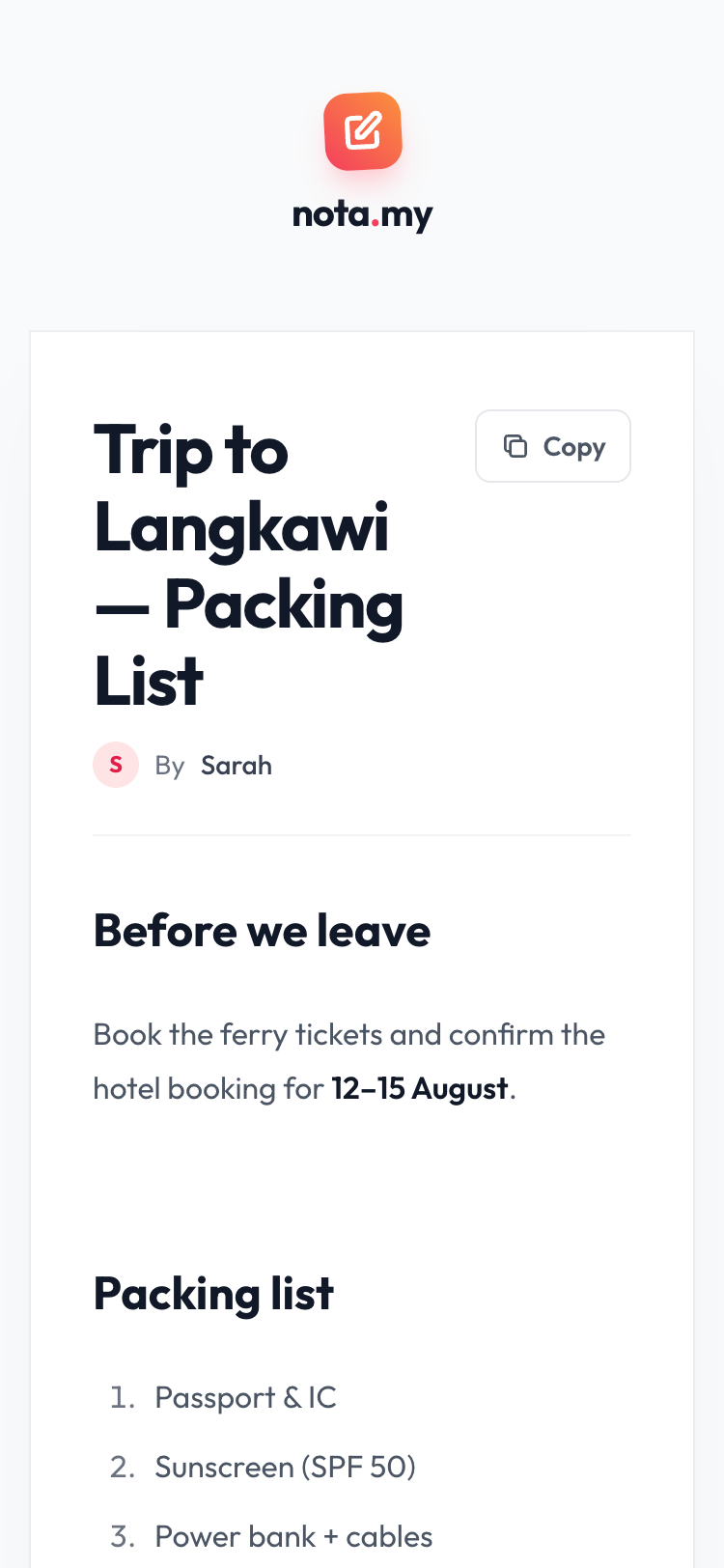
Your reader opens a clean page. No sign-up, no app install, no ads.
Your next note is seconds away.
Free to use. Sign up takes less than a minute.
Start writing — it's free